

Security Risk Assessment
Overview
Security starts with visibility. A Security Risk Assessment identifies the real gaps that attackers and fraudsters exploit: weak passwords, exposed remote access, outdated systems, poor segmentation, unsafe email setup, and missing backups.
Many small and medium businesses only discover these issues after an incident. We assess your environment, document findings, and deliver a prioritized remediation plan you can actually implement without disrupting daily operations.
This assessment is ideal before upgrading systems, onboarding new staff, migrating to cloud services, or enabling remote access. It also helps you budget correctly by focusing on what reduces risk the most.

Exposure Review: We check internet-facing services (RDP, VPN, CCTV/NVR ports, web apps), firewall/router hardening, and risky open rules that increase attack surface.
Account & Permission Audit: Review admin accounts, shared passwords, inactive users, weak password policies, and privilege creep that increases breach impact.
Device & Patch Status: We assess endpoints and servers for update hygiene, outdated software, and missing baseline protections that enable malware and ransomware.
Email Security Checks: Basic configuration review (SPF/DKIM/DMARC readiness), mailbox rules abuse risk, and phishing exposure patterns.
Backup Reality Test: We verify what is backed up, how often, and whether restores are possible (not just “backup exists”).
Report & Roadmap: Findings are delivered with severity, quick wins, and a realistic improvement plan aligned to your budget and operations.



We focus on common real-world entry points and the controls that reduce impact if something goes wrong.
- Internet exposure checks (open ports, remote access, CCTV/NVR exposure)
- Firewall/router configuration hygiene
- User accounts, admin permissions, and password policy review
- Endpoint protection, patch levels, and baseline hardening gaps
- Email configuration risks and phishing exposure patterns
- Backup coverage and restore readiness
- Prioritized remediation plan with quick wins
Many incidents don’t require “advanced hacking” they succeed because defaults and risky settings remain in place.
- Default credentials checks (routers, DVR/NVRs, admin panels)
- Remote management exposure review
- Unsafe port-forwarding identification
- Wi-Fi security baseline checks (guest isolation, encryption)
- Basic malware/ransomware risk indicators
- Privilege and access boundary checks
- Documented fixes and safe change recommendations
You receive a clear summary with severity levels and a practical roadmap to reduce risk.
- High / Medium / Low risk classification
- Quick wins (same-week fixes)
- Short-term improvements (30–60 days)
- Longer-term security upgrades (budget planning)
- Configuration notes and documentation
- Optional monthly improvement tracking
- Support-ready handover for implementation
Who This Service Is For
Security Risk Assessments support organizations that need clear visibility and practical improvement steps:
Small to Medium Businesses
Companies needing practical security without enterprise complexity.
Remote Access Users
Teams using VPN, remote desktop, cloud email, or remote CCTV viewing.
Data & Payments
Businesses handling customer data, invoices, POS, and sensitive documents.
Growing Environments
Organizations adding devices, staff, Wi-Fi, and new systems.
Know Your Risks Before They Become Incidents
Get a practical security assessment with clear findings and a prioritized plan to reduce exposure.
Request Assessment →Endpoint Protection & Hardening
Overview
Endpoints (laptops, desktops, and servers) are the most common entry point for ransomware and credential theft. Protection isn’t just “install antivirus” it’s layered controls: updates, hardening, device policies, and monitoring.
We deploy business-grade endpoint protection, apply safe hardening settings, and ensure devices are patched and protected against common attack methods like malicious attachments, fake invoices, and drive-by downloads.
The goal is to reduce infection risk and limit damage if a user clicks the wrong link without slowing down work.

Business-Grade Protection: Managed antivirus/EDR where appropriate, with centralized policies and reporting. This prevents “one PC protected, another forgotten” problems.
Patch & Update Hygiene: We enforce critical updates and reduce the attack surface created by outdated Windows, browsers, and third-party apps.
Device Hardening: Practical controls like firewall profiles, reduced admin rights, and safer defaults help block common malware behavior.
Ransomware Risk Reduction: We implement protections that limit encryption spread and improve recovery readiness when combined with backups.
Control Over Removable Media: USB policies help reduce infection risk in environments where devices move between PCs.
Visibility & Reporting: You get insight into device status, protection health, and common issues that need attention.



We implement protection that is monitored and maintained not “install once and forget.”
- Business-grade antivirus/EDR setup (where required)
- Central policy configuration and alerts
- Scheduled scans and real-time protection tuning
- Threat quarantine and response actions
- Device health checks and remediation
- Reporting on protection status across devices
- Ongoing support and renewal management
Updates close the doors that malware and attackers use. We help keep systems current with minimal disruption.
- Windows update strategy and enforcement
- Browser and common app update hygiene (PDF readers, Java, etc.)
- Third-party patching guidance and scheduling
- End-of-life software identification and replacement planning
- Vulnerability indicators review and cleanup
- Device baselines for consistent setup
- Post-update verification and stability checks
Hardening reduces risk by limiting what an attacker or malware can do even after initial access.
- Reduce local admin privileges (least privilege)
- Enable disk encryption (where supported)
- Firewall profile tuning and safe inbound rules
- Safe browser and download policies
- USB/removable media policies (where required)
- Basic application control guidance
- Documentation of applied baselines
Who This Service Is For
Endpoint Protection & Hardening supports organizations where devices are critical to daily work:
Office Teams
Staff using email, browsers, shared files, and cloud apps daily.
Shared PCs
Reception, finance, admin, and front-desk workstations.
Server Environments
Businesses running local servers, shared storage, or line-of-business apps.
Remote & Hybrid
Laptops leaving the office and connecting from home or on the road.
Protect Your Devices Against Ransomware
Deploy managed endpoint protection and hardening to reduce infections and limit damage.
Deploy Endpoint Security →Identity & Access Security (MFA)
Overview
Most compromises begin with stolen passwords. Identity & Access Security reduces risk by strengthening login controls, limiting admin privileges, and ensuring users only access what they actually need.
We implement multi-factor authentication (MFA), improve password policies, secure admin accounts, and reduce the chance of business email compromise and unauthorized access to systems.
This is especially important for cloud email, remote access, and shared business platforms where a single password can unlock invoices, banking emails, and customer data.

MFA Setup: MFA reduces the chance of account takeover even if a password is stolen through phishing.
Least Privilege: We reduce unnecessary admin rights and tighten permissions that increase breach impact.
Account Hygiene: Remove old accounts, review shared logins, and align access with job roles.
Secure Remote Access: Align VPN and remote tools with strong authentication and safe access boundaries.
Login Alerts: Where supported, we configure suspicious sign-in alerts and basic protections against brute-force attempts.
Documentation: Clear onboarding/offboarding steps so access stays controlled as staff changes.

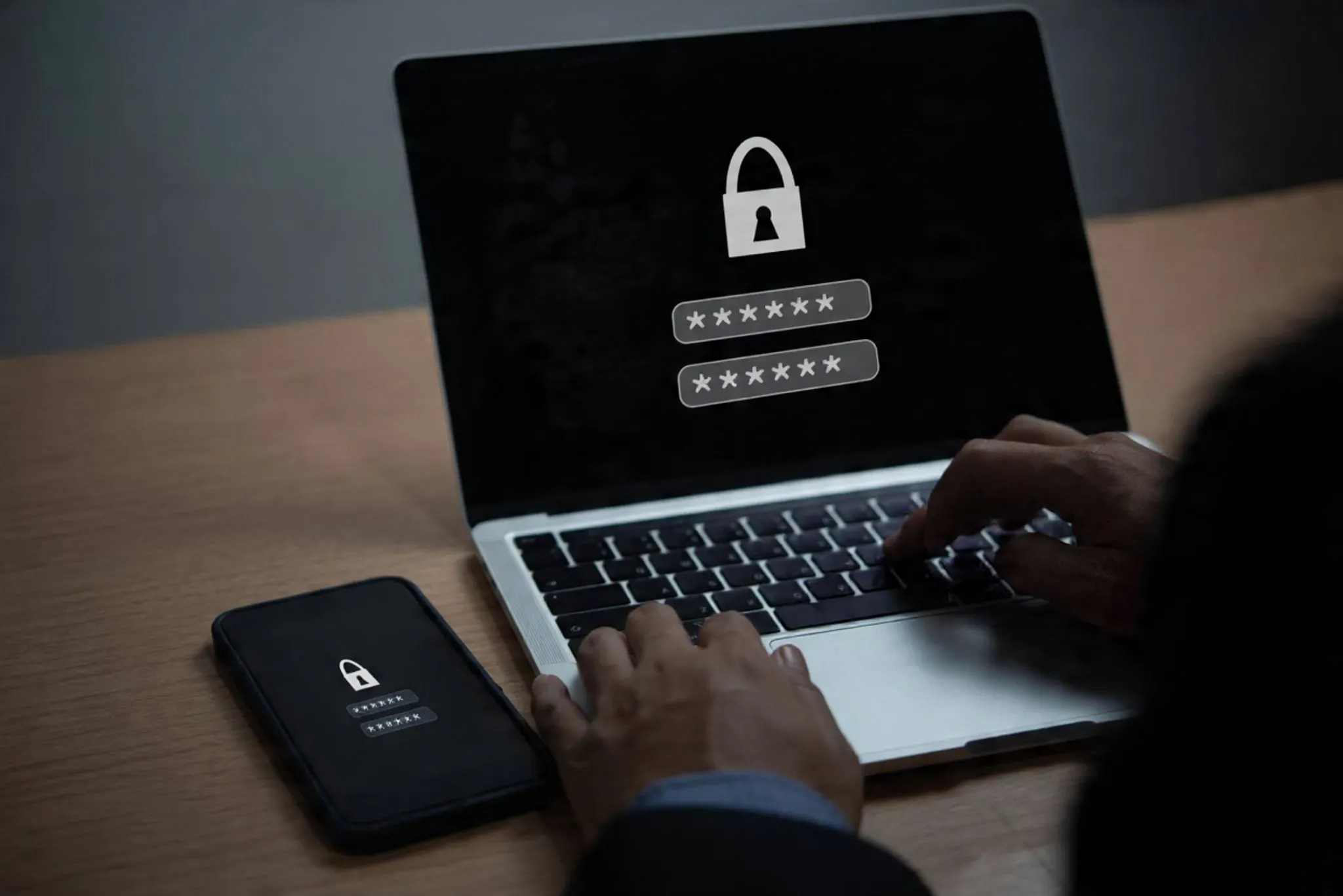

Multi-factor authentication is a practical control that blocks many real-world attacks.
- MFA setup for email and key business accounts
- Admin account strengthening and protection
- Sign-in risk alerts (where supported)
- Password policy improvement guidance
- Device-based trust guidance (where applicable)
- Recovery methods and secure backup codes handling
- User onboarding support and training
We reduce breach impact by tightening permissions and limiting admin access.
- Role-based access review (who needs access to what)
- Admin rights reduction and controlled elevation
- Shared account cleanup guidance
- Offboarding process (remove access fast when staff leave)
- Mailbox delegation and finance access controls
- Remote access permissions alignment
- Access review schedule recommendations
Remote access becomes safer when it’s controlled, logged, and protected with strong authentication.
- VPN access alignment with MFA (where supported)
- Remove unsafe direct exposure (e.g., open RDP)
- Access boundaries (users only reach what they need)
- Admin remote access protections
- Remote tool hardening guidance
- Documentation for support and recovery
- Periodic review for new gaps introduced over time
Who This Service Is For
Identity & Access Security is critical anywhere passwords unlock business operations:
Microsoft 365 Users
Businesses using cloud email and shared documents.
Finance & Admin Teams
Roles targeted for invoice fraud and impersonation.
Remote Access Environments
Teams using VPN, remote desktop, or cloud tools from outside the office.
Growing Businesses
Organizations onboarding staff and needing consistent access control processes.
Stop Password-Based Compromises
Strengthen logins and reduce access risk with MFA, permission control, and safer remote access.
Secure Access →Security Monitoring & Alerts
Overview
Security problems don’t always announce themselves. Suspicious logins, failed access attempts, unusual device behavior, and configuration changes often happen quietly before a real incident occurs.
Our Security Monitoring & Alerts service provides practical visibility for small and medium businesses: track key logs, surface meaningful alerts, and respond early so issues don’t become downtime or fraud.
The aim is not “enterprise SOC hype” it’s operational clarity: know what’s happening, what changed, and what needs action.

Login & Access Alerts: Identify suspicious sign-ins, repeated failures, and unusual access patterns (where supported by your platform).
Endpoint Health Visibility: Monitor protection status, disabled security tools, and risky behavior indicators.
Change Awareness: Track important security changes firewall rules, remote access changes, and admin actions that often lead to “silent risk.”
Reporting: Simple monthly summaries help you see trends, repeat issues, and where to improve next.



Monitoring is configured around what matters for your business not noise.
- Key security event selection (accounts, endpoints, firewall where applicable)
- Alert severity levels and escalation rules
- Protection status monitoring (enabled/disabled, out-of-date)
- Admin action and configuration change awareness
- Incident logging with notes and outcomes
- Baseline creation for “what normal looks like”
- Ongoing tuning to reduce false alarms
When alerts trigger, we help validate impact and apply safe corrective actions.
- Confirm alert impact and affected accounts/devices
- Containment actions (disable account, isolate device, reset credentials)
- Guidance for evidence collection and documentation
- Risk cleanup (remove risky rules, close exposure, harden access)
- Post-incident checks to ensure stability
- Recommendations to prevent recurrence
- Monthly review for repeat patterns
Reports give you visibility and help plan improvements without guessing.
- Monthly security summary (alerts, actions, outcomes)
- Login trend review and suspicious access patterns
- Endpoint protection health overview
- Recurring issues and “top risks” tracking
- Recommendations and next steps
- Documentation updates for changes
- Support alignment with IT maintenance plans
Who This Service Is For
Security Monitoring & Alerts supports organizations that want earlier detection and faster response:
Cloud Email Users
Businesses targeted by phishing and account takeover attempts.
Device-Heavy Teams
Organizations with multiple laptops/desktops and shared workstations.
Remote Access
Environments where offsite logins and VPN usage need visibility.
Compliance & Accountability
Teams needing incident records, logs, and proof of security actions.
Get Early Warning & Clear Visibility
Reduce surprises with structured monitoring, meaningful alerts, and documented response actions.
Request Monitoring Setup →Email & Phishing Protection
Overview
Email is the #1 attack path for many small businesses fake invoices, impersonation, password reset scams, and malicious attachments. One successful phishing email can lead to account takeover, invoice fraud, or ransomware.
We strengthen email security using practical controls: safer mailbox configuration, phishing protections, and domain authentication readiness (SPF/DKIM/DMARC guidance) to reduce impersonation risk.
The focus is real-world protection: reduce risky email delivery, help users spot scams, and prevent mailbox abuse.
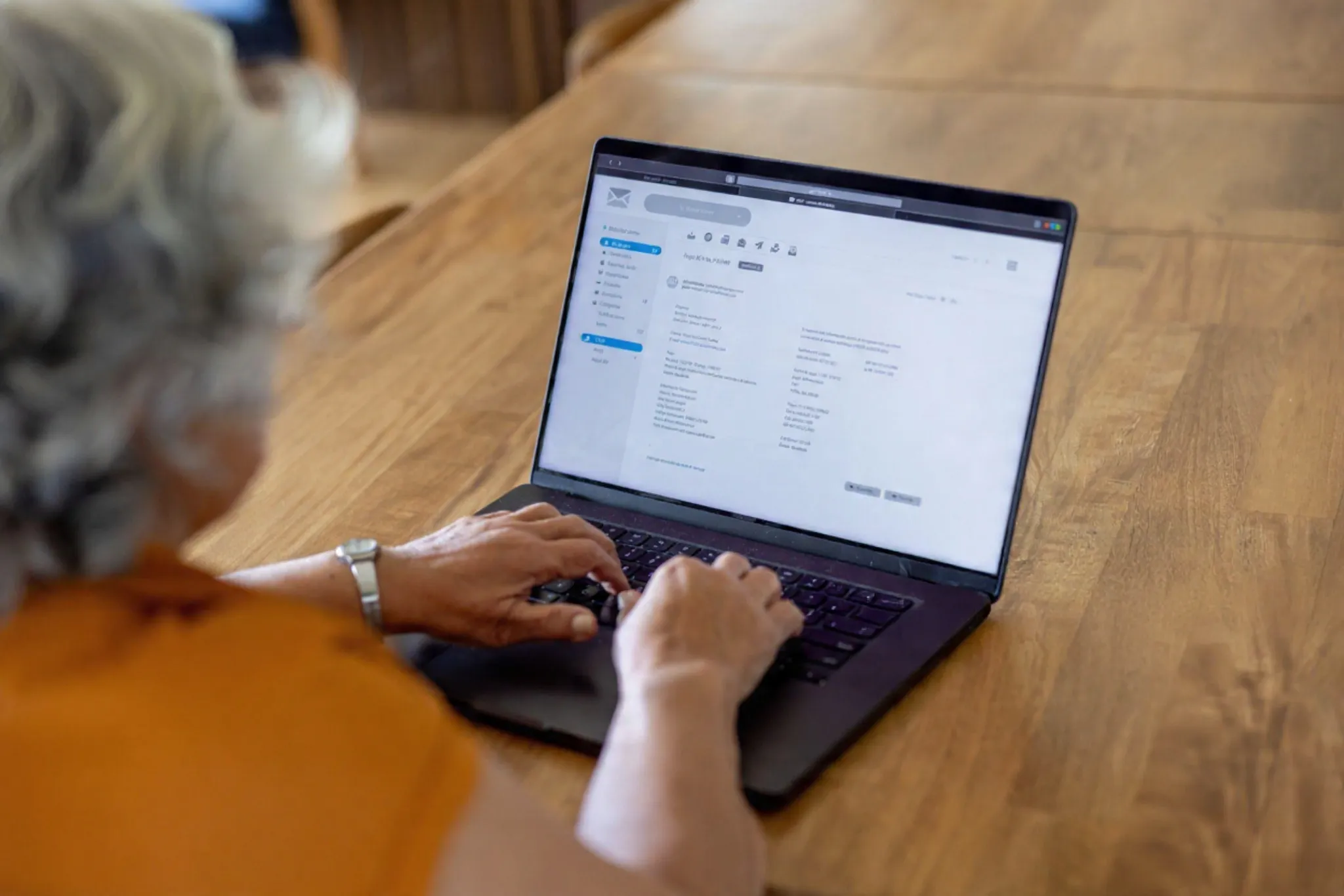
Mailbox Hardening: Reduce risky forwarding rules, improve admin visibility, and tighten account settings commonly abused after compromise.
Anti-Phishing Controls: Configure protections that reduce spoofing and suspicious content where supported by your email platform.
Domain Authentication Guidance: Improve trust and reduce impersonation risk by guiding SPF/DKIM/DMARC readiness (implementation depends on your DNS/domain provider).
User Awareness Support: Practical tips and examples for staff especially finance/admin to reduce invoice fraud.



If a mailbox is compromised, attackers often create hidden rules and forwarding. We harden and clean up mailbox risk.
- Mailbox rule review (auto-forwarding, delete/move rules)
- Suspicious forwarding checks and restrictions
- Admin visibility and audit readiness guidance
- Secure recovery options and account hygiene
- MFA alignment for email accounts
- Shared mailbox access control review
- Basic incident cleanup steps for compromised mailboxes
We configure practical protections based on your platform’s capabilities and risk profile.
- Phishing and suspicious link protections (where supported)
- Attachment risk reduction guidance
- Impersonation checks and safer sender verification habits
- Safe reporting workflow (how staff report suspicious emails)
- Finance/admin focus protection tips (invoice fraud patterns)
- External sender banners (where applicable)
- Spam and threat filter tuning
Strong domain authentication reduces spoofing and improves trust in your outbound mail.
- Review current DNS records and mail sending sources
- SPF record planning guidance (allowed senders)
- DKIM enablement guidance (platform dependent)
- DMARC readiness and phased enforcement guidance
- Reduce “look-alike domain” and spoofing risk habits
- Documentation for your domain provider/registrar
- Post-change verification checks
Who This Service Is For
Email & Phishing Protection is essential for organizations where email drives approvals and money movement:
Finance & Invoicing
Teams targeted by invoice fraud and impersonation scams.
Customer-Facing Teams
Businesses that must protect their reputation and communications.
Microsoft 365 / Cloud Email
Organizations using hosted email and shared documents.
Growing Businesses
Teams adding staff and needing safer email standards.
Reduce Phishing Risk & Invoice Fraud
Strengthen email security and protect staff against the most common attack method.
Secure Email →Incident Response & Recovery
Overview
When something goes wrong a compromised email, ransomware warning, suspicious logins, or infected PCs speed matters. A structured response reduces damage, restores operations faster, and prevents repeat incidents.
We help contain the issue, secure accounts, isolate affected devices, clean up risky exposure, and document what happened. The objective is to get you stable again with clear actions and prevention steps.
This service works best when paired with monitoring and backups, but we also assist with urgent incidents when you need help now.
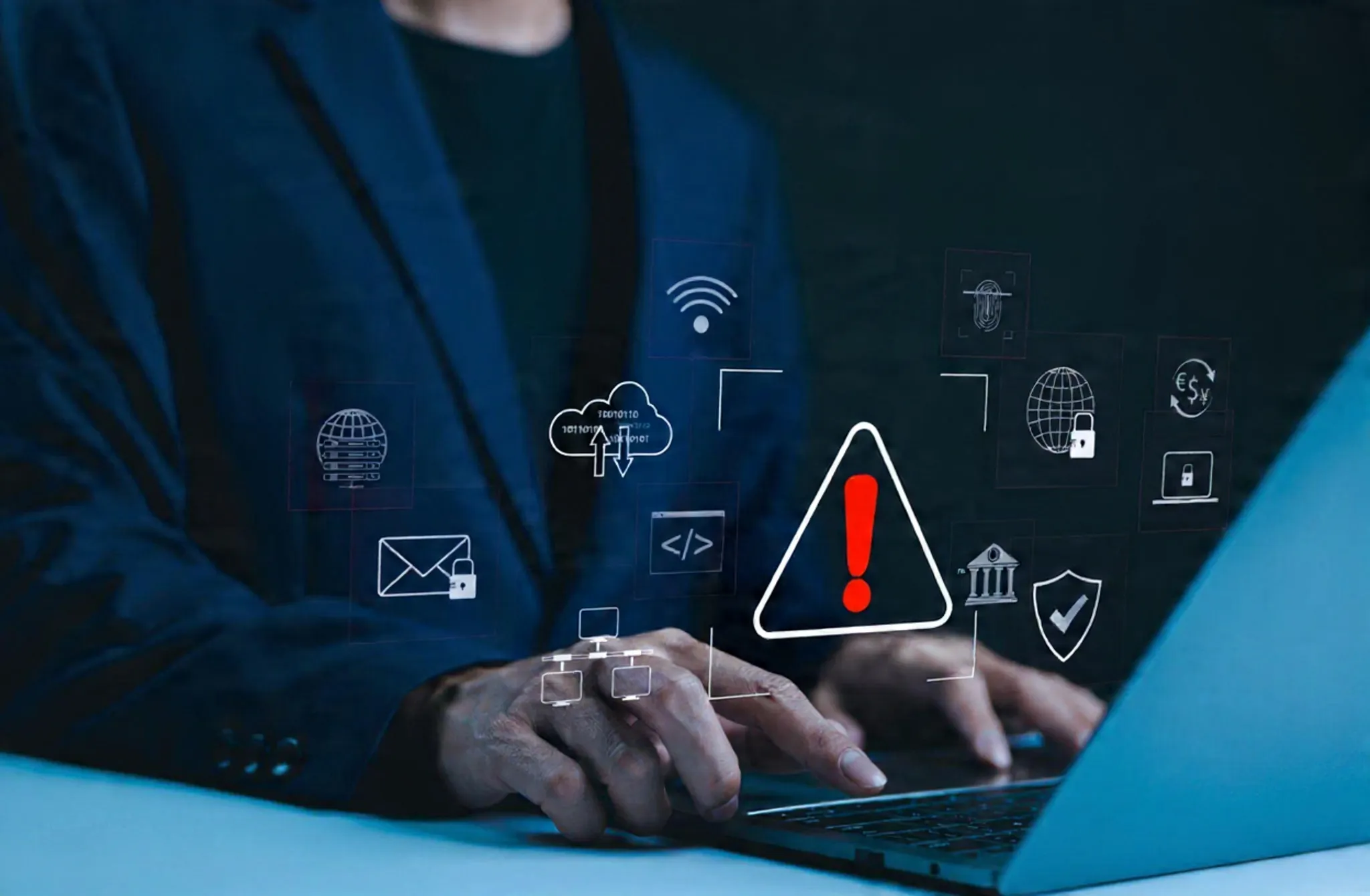
Containment: Isolate affected devices, disable compromised accounts, and block suspicious access to prevent spread.
Account Security: Reset credentials, enforce MFA, remove malicious mailbox rules, and recover access safely.
Cleanup & Hardening: Remove unsafe exposure (open ports, risky rules), update systems, and apply safer baselines.
Documentation: Record actions taken, timeline, and prevention steps for accountability and future improvements.

First step is understanding what is affected and containing it quickly.
- Impact assessment (accounts, devices, services)
- Immediate containment actions (disable, isolate, block)
- Credential reset and account lock-down steps
- Evidence preservation guidance (where needed)
- Critical system checks (email, files, finance workstations)
- Communication guidance (internal awareness and next steps)
- Stabilization plan for operations
Email incidents often involve hidden rules and forwarding. We clean up and secure accounts properly.
- Mailbox rule cleanup (forwarding, delete/move rules)
- Reset credentials and enforce MFA
- Review delegated access and shared mailboxes
- Check suspicious sign-ins and session activity (platform dependent)
- Secure recovery methods and account ownership checks
- Post-recovery monitoring recommendations
- Prevention steps to reduce repeat compromise
After recovery, we close the gaps that allowed the incident to succeed.
- Remove unsafe remote access exposure
- Endpoint hardening and patch improvements
- Identity improvements (MFA, admin protections)
- Email protection improvements
- Backup and restore readiness checks
- Documentation and updated procedures
- Optional ongoing monitoring setup
Who This Service Is For
Incident Response & Recovery supports organizations that need fast help during security events:
Compromised Email
Mailbox takeover, suspicious forwarding, or impersonation incidents.
Ransomware Risk
Malware warnings, encrypted files, or suspicious device behavior.
Unauthorized Access
Unusual logins, failed access attempts, or unknown admin actions.
Urgent Stabilization
Businesses needing recovery with clear action and documentation.
Respond Fast. Recover Properly.
Get structured incident response support to contain risk, restore operations, and prevent recurrence.
Request Incident Support →Backup & Disaster Recovery
Overview
Backups are your safety net against ransomware, accidental deletion, theft, hardware failure, and human mistakes. But a backup only helps if it’s reliable and restorable when you need it.
We design and maintain backup plans that match your business reality: what must be protected, how often, where it should be stored, and how quickly you need to recover to keep operations running.
The goal is business continuity not just storage. We verify restores, document recovery steps, and reduce the chance of “backup failed silently” scenarios.

Backup Planning: Identify critical data (documents, accounting, email, server files) and set retention and frequency.
Offsite & Separation: Protect backups from ransomware by keeping copies separate from daily access where possible.
Restore Testing: We perform verification restores so you know recovery actually works.
Recovery Documentation: Clear steps for recovery reduce downtime during high-pressure events.


Backups are designed around critical business data and recovery needs.
- Critical data identification (work files, accounting, email, servers)
- Backup schedule planning (daily/weekly where appropriate)
- Retention planning (how long versions are kept)
- Backup method selection (local, cloud, hybrid)
- Protection against unauthorized deletion
- Device/server inclusion planning
- Documentation of backup coverage
We validate restores so backups are not just “there” they’re usable.
- Test restores for key folders and critical files
- Version recovery checks (older versions available)
- Recovery time expectation guidance
- Verification reports and documentation
- Backup failure detection and remediation
- Periodic re-testing schedule recommendations
- Safe storage and access controls review
Recovery is easier when it’s documented: who does what, what comes first, and how to restore systems safely.
- Recovery steps for email, files, and key systems
- Contact list and escalation flow (ISP, vendors, admins)
- Device rebuild and restore process guidance
- Ransomware response considerations (containment + restore)
- Post-incident hardening checklist
- Documentation for ongoing maintenance
- Integration with monitoring and endpoint security
Who This Service Is For
Backup & Disaster Recovery is essential for organizations that can’t afford data loss or long downtime:
Invoice & Records
Businesses needing protection for financial documents and customer records.
Shared Files
Teams working on shared folders and critical business documents.
Server & NAS Users
Organizations running local storage, servers, or shared applications.
Ransomware Risk
Any business wanting recovery readiness against malware and encryption attacks.
Be Ready to Recover
Protect your business with reliable backups, verified restores, and clear recovery steps.
Plan Backup Strategy →
Practical Cybersecurity Protection
for Modern Business Environments
Encode Tech Solutions provides structured cybersecurity services for businesses that rely on digital systems, cloud platforms, email, and network infrastructure. Our focus is reducing real-world risk from ransomware and phishing attacks to exposed firewalls and insecure remote access.
Security is not implemented through a single device or setting. It requires layered protection, controlled access, and proper configuration across endpoints, networks, and cloud services. We apply practical security controls that align with your business operations and risk profile.
Whether you require a one-time security assessment or ongoing protection and monitoring, we act as your cybersecurity partner identifying vulnerabilities before they become incidents.
- Security risk assessments and vulnerability identification
- Firewall hardening and secure remote access configuration
- Endpoint protection and ransomware defense

Security Coverage
Focused on protecting systems, users, and sensitive data.
- Firewall & router security configuration
- Email & Microsoft 365 protection
- Secure VPN & remote access setup

Controlled Access With Practical Enforcement
Many breaches begin with weak passwords, open ports, exposed CCTV systems, or unsecured remote desktop access. We eliminate these risks through structured firewall rules, multi-factor authentication (MFA), and network segmentation.
Secure remote access is configured using encrypted VPN tunnels instead of risky open ports. Administrative privileges are limited based on role requirements, reducing internal exposure and accidental misconfiguration.
Systems are reviewed regularly to ensure firmware updates, password policies, and access permissions remain aligned with security best practices.
The result is controlled access, reduced exposure, and stronger accountability across your infrastructure.
Cybersecurity That Improves Resilience Over Time
Effective cybersecurity includes continuous improvement. We monitor key security indicators, review configuration changes, and track recurring weaknesses to strengthen defenses over time.
Services include endpoint protection management, Microsoft 365 security hardening, backup verification, ransomware recovery planning, firewall monitoring, and suspicious activity detection.
All security work is documented and structured, creating visibility into risk posture, implemented controls, and areas requiring future improvement.
Security delivered with structured controls, clear documentation, and alignment to real business risk not unnecessary complexity.

Request a Cybersecurity Assessment
Complete the form below to request a cybersecurity consultation. Or call us (+27) 081 473 3958 and our security specialists will assist you directly.